
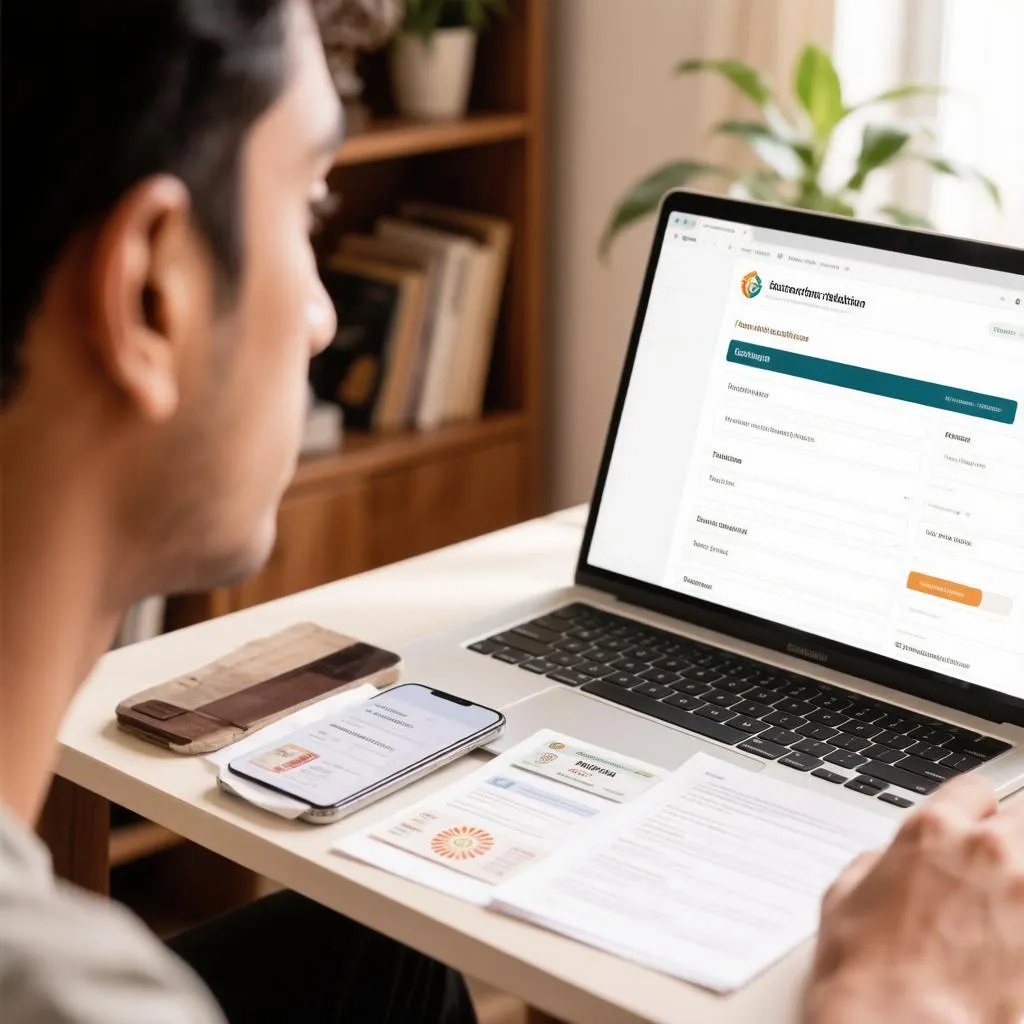
Most people would struggle to name every mobile number issued against their own identity — and that is precisely the gap fraudsters exploit. A lost SIM you never deactivated, a connection bought by a shopkeeper using your ID photocopy, or a number registered in your name by someone with access to your documents can sit unnoticed for years, quietly making calls or receiving OTPs meant for your bank. The government’s Sanchar Saathi initiative, and specifically its TAFCOP service, puts an end to the guessing game: in a few minutes, from a phone, you can see every connection linked to your Aadhaar or other ID and take action against the ones you never authorised.
Why unused SIMs registered in your name are a real risk
A SIM registered in your name is, in the eyes of the law and every telecom operator, yours. Calls made from it, messages sent through it and accounts verified with it are all attributed to you until proven otherwise. The risks that follow are not hypothetical:
- Fraudulent use in financial scams, where investigators trace the number back to the registered owner first.
- Bank and payment accounts being opened or verified with the number, exposing your identity to misuse.
- Harassment or threatening communication made from the number, with you as the accountable party.
- Exhaustion of your permissible connection limit, blocking you from buying a SIM when you genuinely need one.
Under the rules that govern telecom subscriptions, an individual can hold a limited number of mobile connections — generally nine per ID across the country, with lower limits applied in certain regions. Fraudulent registrations eat into this allowance invisibly. Regular checking is the digital equivalent of checking your bank statement: a two-minute habit that surfaces problems while they are still small.
The official way to see all SIMs on your name
The checking service runs through the Sanchar Saathi platform, and the flow is deliberately simple: verify your identity with a mobile number, receive an OTP, and view the complete list of connections registered against your ID. Follow it in order:
- Open the TAFCOP service on the Sanchar Saathi portal or through the Sanchar Saathi app on your phone.
- Enter your active mobile number. This is the number you currently use and receive SMS on; it does not have to be the number you are checking for.
- Request and enter the OTP. A login OTP arrives by SMS, confirming you hold the number entered.
- Enter your ID details. Provide the identity document — Aadhaar number or the alternative ID you used when buying connections — along with the registered owner’s name.
- View your connection list. The screen displays every mobile number registered against your ID, across all operators, each marked with its current status.
- Review each number. Mark every connection you recognise and use as such, and flag the ones that are unknown, unused or no longer needed.
That last step matters more than it looks. The system asks you to categorise each listed number, and your responses drive what happens next: numbers you confirm stay as they are, while numbers you report trigger an investigation and disconnection process. Skipping the review leaves the report incomplete even if the list itself was accurate.
Taking action on unknown or unwanted numbers
Finding a number you do not recognise is unsettling, but the platform is built for exactly this moment. When reporting a connection, you choose a reason — it was never purchased by you, it was disconnected and never reactivated, it was transferred out of your control, or it is simply no longer needed. Each category routes the case appropriately.
The follow-up happens in stages. Your report goes to the concerned telecom operator, which verifies the subscriber records and initiates disconnection where the claim holds. You receive updates by SMS on the mobile number you used to log in, and the status of your report remains visible in your TAFCOP account until the matter closes. Operators are required to act on these reports within defined timelines, and disconnected numbers are recycled only after the mandated cooling period, so a fraudster cannot simply grab the same number the next day.
What the connection list actually shows
Before you panic at a long list, it helps to understand what the numbers on the screen represent and what their statuses mean. A single line tells you the number, the operator, the circle or region of registration and the current state of the connection, and reading these fields correctly prevents both false alarms and missed problems.
| Field shown | What it tells you | What to look for |
|---|---|---|
| Mobile number | The SIM registered on your ID | Unknown numbers are the immediate red flag |
| Operator | The telecom company issuing the connection | An operator you never used suggests forged registration |
| Circle or region | Where the connection was registered | Registration in a state you never lived in warrants reporting |
| Status | Whether the connection is active or already disconnected | Disconnected entries still count until formally closed |
A disconnected number appearing on the list is usually good news — it means the connection is dead — but it can still be worth confirming closure, because improperly closed subscriptions occasionally resurface in operator records. An active connection from an operator whose SIM you have never purchased is the clearest sign of fraudulent registration and deserves an immediate report.
What to do when the list shows more than you expected
Finding one or two forgotten numbers is common and harmless; finding several unknown ones calls for a structured response rather than alarm. A sensible sequence looks like this:
- Report every genuinely unknown number through the portal immediately, with the correct reason selected for each.
- Change passwords and monitor alerts for any account that may have been verified with those numbers, especially banking apps.
- Check your credit information report if you suspect loans or credit lines opened with the misused identity.
- Keep copies of the report acknowledgment until the cases close, as they serve as evidence of timely action.
- Repeat the check every few months, since fraudulent registrations are occasionally detected and corrected by operators without your knowledge.
This routine turns the check from a one-off scare into ordinary hygiene. People who lost documents — a wallet, a bag of photocopies left with an agent — have particular reason to run the first check promptly rather than eventually.
Keeping your identity safe when buying SIMs in future
Most fraudulent registrations begin with someone else handling your ID documents, so prevention is mostly about controlling who touches your paperwork. The current subscriber verification rules were tightened precisely for this: a new connection is activated only after biometric or document-based verification linked to your ID, and the seller is accountable for the registration they process. Your part in it is smaller but real:
- Never hand over ID photocopies casually; if a copy is required, write the purpose and date across it before surrendering it.
- Buy SIMs only from authorised points of sale, and insist on completing the verification yourself rather than letting an agent handle “the paperwork”.
- Verify any new connection on the portal within days of purchase, confirming that the registration details match what you provided.
- Deactivate SIMs you stop using, rather than letting them lapse silently on someone else’s possibly counterfeit registration.
These habits cost minutes and close the easiest avenues of misuse. The combination of a controlled registration process and periodic self-checks covers both sides of the problem — new fraud and old fraud.
Questions people ask before and after checking
Can I check SIMs registered on my name without my own active number? The service requires an active mobile number for OTP login, so borrow a family member’s working number for the session; the list shown still belongs to the ID you enter, not to the number you log in with.
Does checking cost anything? No. The service is free, and anyone claiming payment to “reveal your SIMs” is running a scam.
Will reporting a number disconnect it immediately? Not instantly. The operator verifies records first, and disconnection follows confirmation, usually within the timelines notified by the telecom department.
What if a number shown is mine but the details are wrong? Report it with the appropriate reason and follow up with your operator to correct the subscriber record; keeping registration data accurate is as important as keeping the list short.
Can someone else check SIMs on my ID? Only by logging in with an active number and your ID details. If you suspect someone has done so maliciously, the report and acknowledgment trail is your protection.
The whole exercise — check, review, report, recheck later — takes less time than most people spend deciding what to watch in an evening. Given that the alternative is discovering a fraudulent SIM only when a problem lands on your doorstep, those few minutes are among the cheapest identity protection available to anyone with a phone.