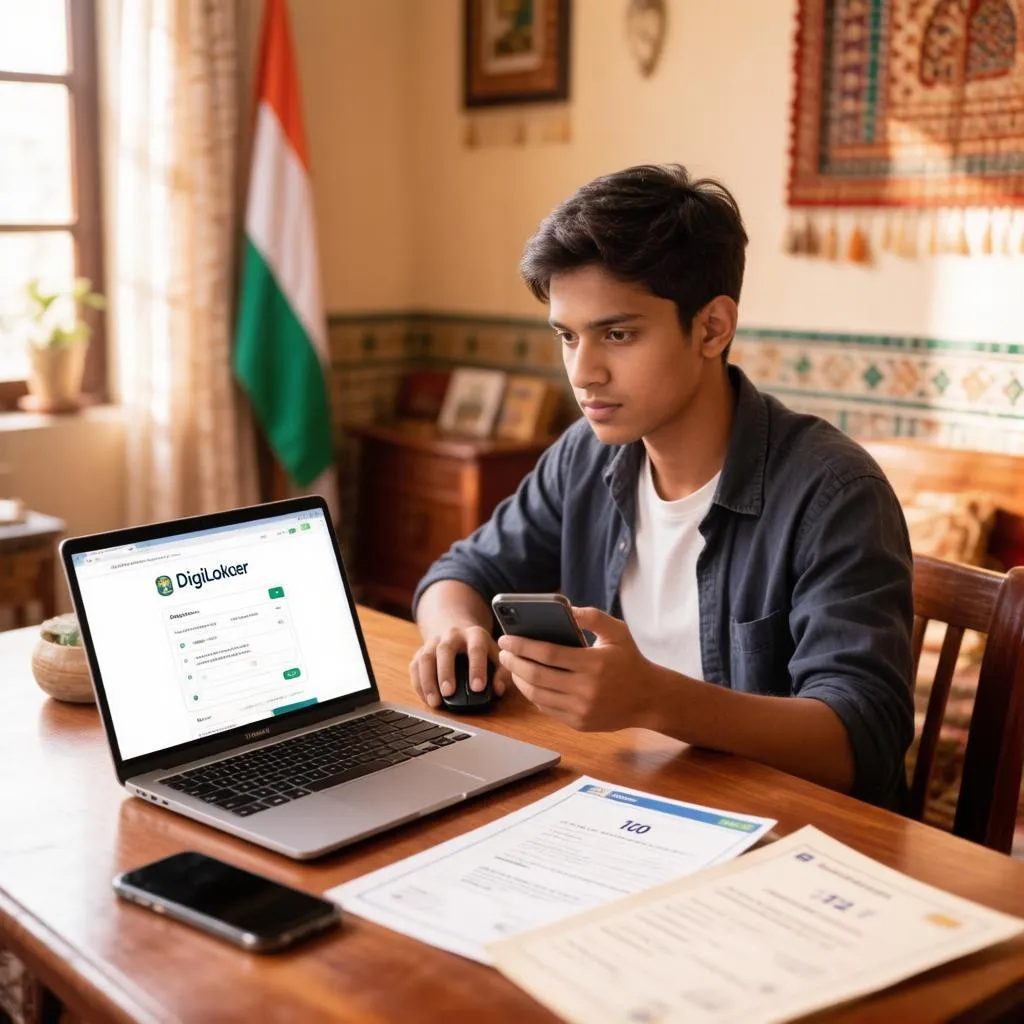
Ask anyone who has ever queued outside a school office for a duplicate marksheet and they will tell you the same thing: the certificate was always theirs, yet getting hold of a copy took days, forms and a fair amount of pleading. DigiLocker changed that. The Government of India’s digital document wallet now stores issued Class 10 and 12 marksheets, passing certificates and migration certificates directly from exam boards, which means your documents sit in a government-verified app rather than in a file cupboard. Here is how the whole thing works, from creating your account to getting a verified copy you can actually use for admissions and job applications.
Why DigiLocker documents are trusted and valid
DigiLocker is not just a cloud folder for photographs of your documents. Under the Information Technology rules, documents pulled into DigiLocker from an issuing authority carry the same legal validity as their physical originals, and boards such as CBSE and various state boards push marksheets into the system digitally. A college admission desk, an employer or a government office that asks for a certificate can accept the DigiLocker version with its built-in verification, because it was generated by the board itself, not scanned by you.
That distinction matters. A photo of your marksheet stored on your phone is merely a copy that anyone can question; a DigiLocker document arrives with issuer metadata and a document ID, so its authenticity can be checked instantly. This is also why the download flow differs from an ordinary file save — the document has to be fetched from the issuing board against your identity, not uploaded by hand.
What you need before you start
The process is quick, but a few details must line up first, and a missing item here is behind nearly every “document not found” complaint. Gather the following:
- A mobile number linked to your Aadhaar, since OTP verification is central to account creation
- Your Aadhaar number for identity matching
- The name spelling used by your exam board, which sometimes differs slightly from other documents
- Your board exam year, which matters because only marksheets from years the board has digitised will appear
- For some boards, your roll number and date of birth from the exam hall ticket
If your current mobile number is not the one registered with Aadhaar, update it through Aadhaar channels first, because the OTP flow will otherwise dead-end. Name mismatches are the second-biggest obstacle, so check how your name appears on your admit card before you type it into the registration form.
Creating your DigiLocker account step by step
Account creation takes about five minutes if your Aadhaar-linked mobile is in hand. Follow this sequence once, and the account lasts for all future document needs:
- Open the app or website. DigiLocker is available as a mobile app on both major platforms and as a web portal; the same account works across both.
- Enter your mobile number. The system sends an OTP to verify the number you provide.
- Complete Aadhaar verification. Enter your Aadhaar number and confirm the second OTP sent to your Aadhaar-linked mobile.
- Set your security credentials. Create a six-digit security PIN and, optionally, a username so you are not dependent on your mobile number for future logins.
- Finish your profile. Your name, gender and date of birth populate from Aadhaar; verify they are correct before moving on, because document searches match against exactly these fields.
From here your account exists, but it is empty. The next stage — finding your marksheet — is where most people need a little guidance, because the directory of issuing authorities is long and organised in a specific way.
Finding and downloading your Class 10 or 12 marksheet
The directory inside DigiLocker lists every partner authority — boards, universities and government departments — that has deposited documents into the system. For school certificates you are looking for your education board. The path below works the same in the app and on the web:
- Go to the “Search Documents” or “Issued Documents” section after logging in.
- Browse to the education category and find your board — for example, the central board used by most schools, or your state’s secondary education board.
- Choose the document type you need: Class 10 marksheet, Class 12 marksheet, passing certificate, migration certificate or related documents, depending on what the board has made available.
- Enter the required search details. Boards ask for a different combination of fields — usually name, roll number, exam year and sometimes your father’s or mother’s name — matching what printed on your hall ticket.
- Review the matched record. If your details align with the board’s records, the actual marksheet appears with the board’s digital signature visible.
- Save it to your issued documents. Once fetched, the document is stored permanently in your account, ready to be opened, shared with a verification link or downloaded as a PDF whenever needed.
A document pulled this way never expires and never needs re-fetching, even if you change phones, because it lives against your account rather than on your device. If nothing turns up at step five, the cause is almost always one of three things: your board has not digitised that particular year, the details you entered do not match the board’s records, or the board asks you to request the document through a separate issuance flow — the portal explains which of these applies when the search comes back empty.
Which documents your board makes available
Availability is the one thing DigiLocker cannot conjure out of thin air: every board decides which certificates it pushes into the system and for which exam years. The typical picture looks like this.
| Document | Class 10 availability | Class 12 availability | Notes |
|---|---|---|---|
| Marksheet | Widely available | Widely available | Usually the first document boards digitise |
| Passing certificate | Commonly available | Commonly available | Some boards issue it separately from the marksheet |
| Migration certificate | Limited | Limited | Often obtained through the board’s own office |
| Character certificate | Rare | Rare | Mostly handled by the school itself |
| Admit card or hall ticket | Sometimes retained | Sometimes retained | Useful when details must be rechecked |
The pattern to take away is that marksheets and passing certificates are near-universal, while auxiliary documents like migration certificates still often follow the old offline route. State boards move at their own pace too, so a friend’s board may show five document types while yours shows two. Checking the issuer’s page inside DigiLocker before searching saves you from wondering whether the problem is your details or simply an un-digitised document type.
Using your DigiLocker marksheet for admissions, jobs and verification
Once the marksheet sits in your issued documents, sharing it takes seconds. Every DigiLocker document can be shared through a generated link that carries verification details, which the receiving institution can check without you emailing a PDF that anyone could alter. Colleges during admission season, employers running background checks and government recruitment boards all commonly accept this route, and several now prefer it because the verification is instant.
A few practical habits make sharing smoother. Send the verification link rather than a screenshot, since the link proves authenticity. Keep your account’s mobile number current, because access recovery runs through it. And if a form asks you to upload a PDF, download the document from DigiLocker rather than scanning a printout — the downloaded file retains the digital signature and looks cleaner than any scan.
When your marksheet does not appear in DigiLocker
Not finding your document is frustrating but almost never a dead end, and each failure has a specific fix rather than a shrug. Work through the likely causes in order:
- Wrong details entered. Recheck the name spelling, roll number and exam year against your hall ticket; even a transposed digit sends the search into the void.
- Year not digitised. Older marksheets may predate your board’s digital archive, in which case the board’s regional office remains the correct route for a duplicate.
- Name mismatch with Aadhaar. If your Aadhaar shows a different spelling or an expanded name, the match fails; either search using the board’s version of your name or align your documents.
- Different mobile number. An OTP to an old, deactive mobile blocks Aadhaar verification entirely, so update Aadhaar first.
- Wrong issuer selected. Students sometimes pick a different board branch or an older board name; browse the education directory carefully rather than searching by guesswork.
If every point checks out and the document still refuses to appear, the issuing board’s records themselves may hold the discrepancy, and their office is the place to resolve it. DigiLocker can only display what the board has deposited.
Security, privacy and common misconceptions
Because Aadhaar verification sits at the heart of DigiLocker, misconceptions about it circulate freely — the most common being that the app stores your Aadhaar number somewhere risky or that documents can be altered inside it. Neither is true. Your documents come from the issuer and cannot be edited; the app displays them and enables sharing, nothing more. Access is protected by your login, your security PIN and the OTP layer, so the sensible precautions are the everyday ones: a strong device lock, a remembered PIN, and never sharing your login OTP with anyone — no support agent, however convincing, ever legitimately asks for it.
It is also worth knowing that deleting the app does nothing to your documents. They rest on the government’s servers against your account, and reinstalling the app restores everything intact. If you genuinely want a document removed, the request goes to the issuing authority, not to a delete button.
Why this one-time setup keeps paying off
The five minutes spent registering and the ten spent fetching your marksheet purchase more than a single document. Every future certificate — college degrees from participating universities, driving documents, insurance policies and more — lands in the same wallet, and each renewal or duplicate that once meant an office visit becomes a tap. For students moving between classes, exams and admissions, that wallet quietly does the remembering, which is exactly what a document meant for safekeeping should do.